Watercolor Painting
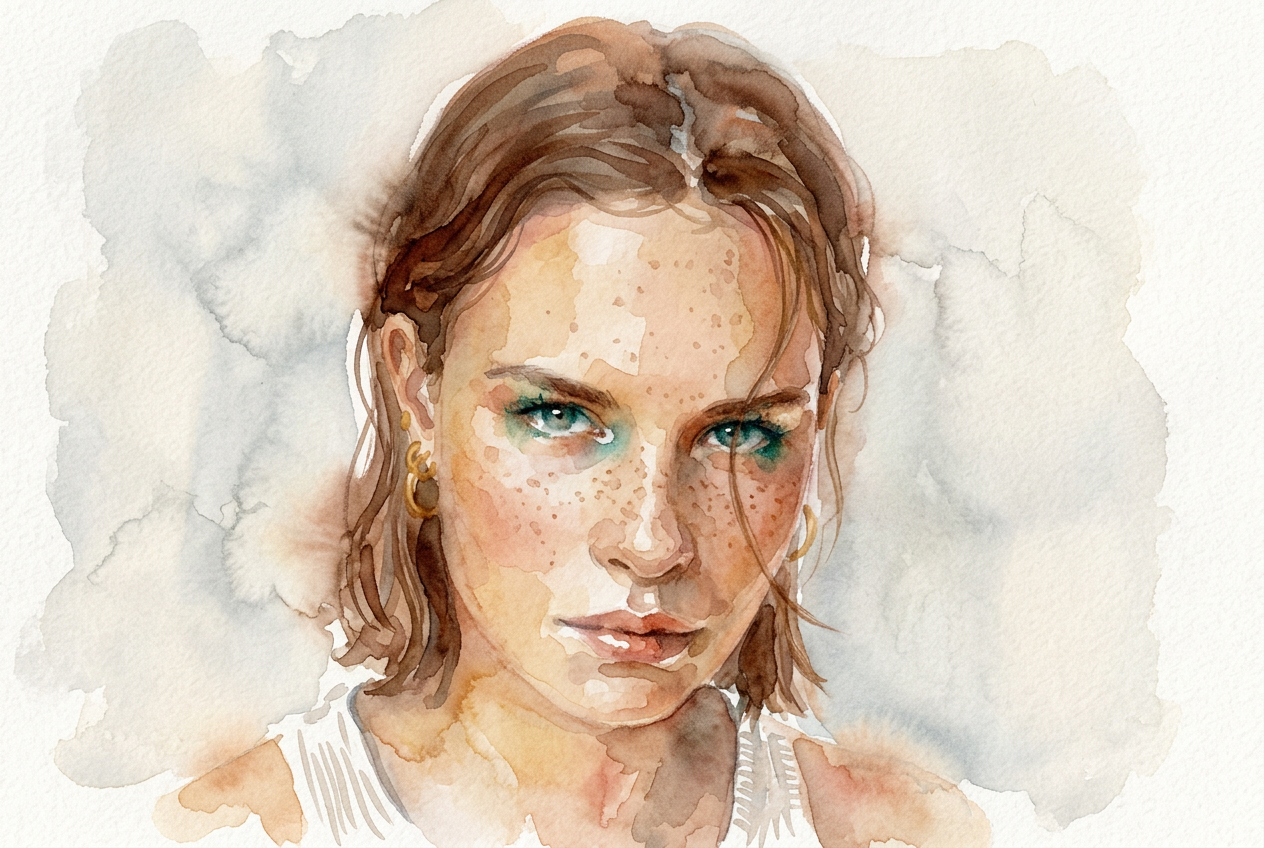
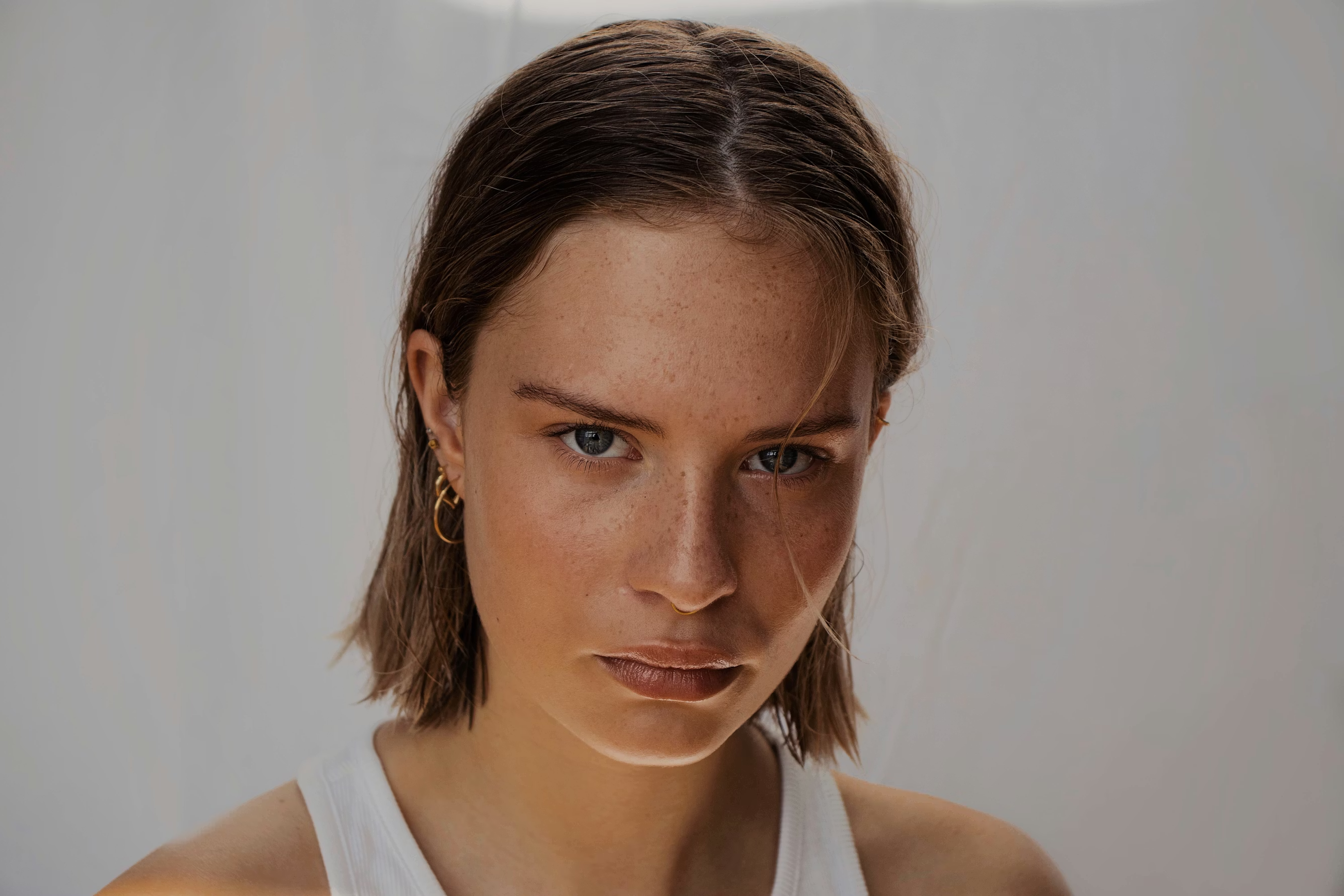
Turn your photo into a beautiful watercolor painting with soft brushstrokes and artistic paper texture.
- No credit card required
- Results in under 10 seconds
or drag a photo here
100% private · stays in your browser
How It Works
Three simple steps - no technical knowledge needed.
Upload your photo
Drag and drop any photo (JPEG, PNG, WebP). Works on desktop and mobile.
Prompt pre-filled
The AI prompt is already set. Just upload and hit Generate.
Generate & Download
Results in under 10 seconds. Download your high-resolution image instantly, free.
EdMyPic vs other AI filters
Honest, feature-by-feature comparison - updated April 2026.
| EdMyPic★ | Snapchat | Picsart | Fotor | |
|---|---|---|---|---|
| Price | Free + $1.99 | Free* | $5–12/mo | Free* |
| Signup | Magic link | Required | Required | Required |
| Speed | ≤10 s | Instant | 30 s+ | 20 s+ |
| Quality | HD | In-app only | HD | HD |
| Where it works | Web + Mobile | App only | Web | Web |
| Your photos | Not stored | May train | May train | May train |
- Price
- Free + $1.99
- Signup
- Magic link
- Speed
- ≤10 s
- Quality
- HD
- Where it works
- Web + Mobile
- Your photos
- Not stored
- Price
- Free*
- Signup
- Required
- Speed
- Instant
- Quality
- In-app only
- Where it works
- App only
- Your photos
- May train
- Price
- $5–12/mo
- Signup
- Required
- Speed
- 30 s+
- Quality
- HD
- Where it works
- Web
- Your photos
- May train
- Price
- Free*
- Signup
- Required
- Speed
- 20 s+
- Quality
- HD
- Where it works
- Web
- Your photos
- May train
Pricing reflects public plans as of April 2026. "Free*" means free with limits or in-app only. Comparison shown for Watercolor Painting.
Frequently Asked Questions about Watercolor Painting
Does EdMyPic's Watercolor Painting look like a real hand-painted artwork?
EdMyPic's Watercolor Painting simulates authentic watercolor characteristics - wet-on-wet bleeding, paper grain texture, uneven pigment saturation at stroke edges - making the result look genuinely hand-painted.
What photos convert best to watercolor style on EdMyPic?
Portraits, nature scenes, and architecture convert beautifully. EdMyPic's Watercolor Painting works best on photos with clear subjects and some areas of light - the soft bleeding effects look especially natural in bright or overexposed zones.
Can I print the Watercolor Painting result from EdMyPic on canvas?
Yes - EdMyPic generates high-resolution watercolor results that print beautifully on fine art paper or canvas. The texture simulation looks especially authentic in physical print form.
Can I request loose impressionist style vs. tight detailed watercolor on EdMyPic?
Yes - add "loose expressive impressionist strokes" or "tight detailed botanical illustration watercolor style" to the EdMyPic prompt. The AI adjusts brush looseness and detail level accordingly.
How does EdMyPic's Watercolor filter compare to the Oil Painting tool?
Watercolor on EdMyPic produces soft, translucent, light-drenched results with paper grain. The Oil Painting tool creates thick impasto brushwork with richer darker pigment depth typical of canvas oil paintings.
Related Style Tools

Studio Ghibli Style
Reimagine your photo as a dreamy Studio Ghibli scene with watercolor textures and hand-drawn warmth.
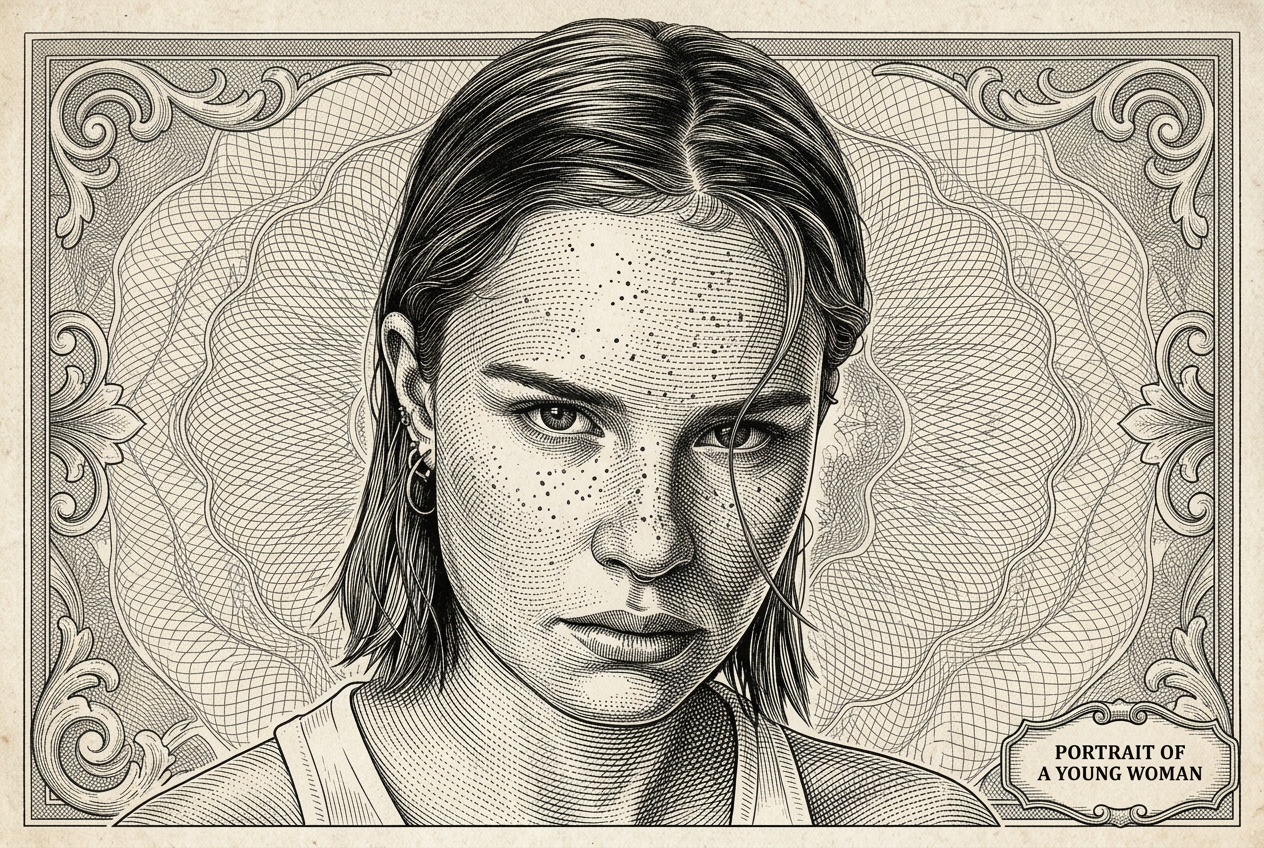
Engraving Portrait
Transform your portrait into a classic fine-art engraving with dense crosshatching and banknote illustration style.
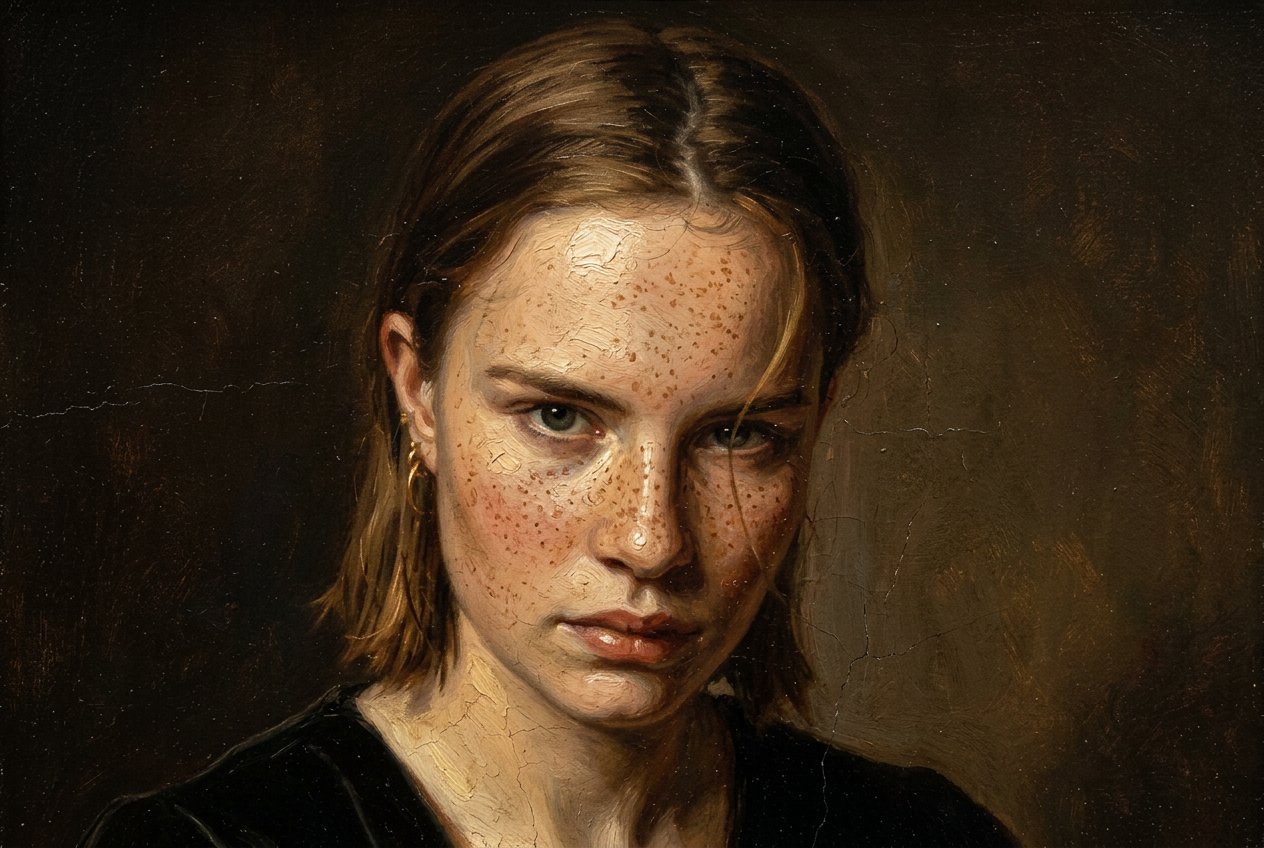
Oil Painting
Transform your photo into a timeless classical oil painting with rich impasto brushstrokes and Renaissance quality.

Simpsons Style
Turn any portrait into a hilarious Simpsons cartoon character with yellow skin and Springfield charm.

GTA Style Filter
Recreate yourself as a GTA V loading screen character with bold outlines and cinematic poster art.
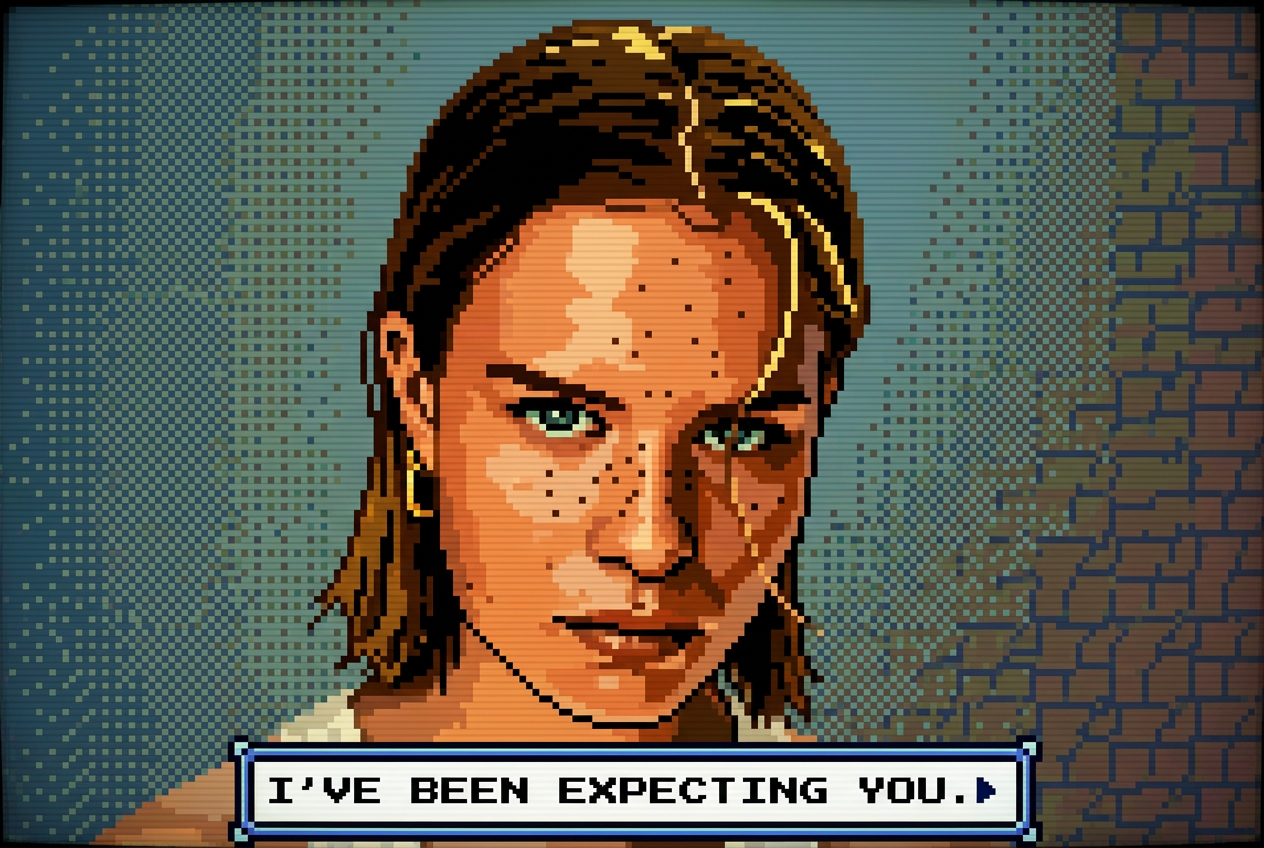
Pixel Art 8-bit
Convert any photo into retro 8-bit pixel art with an authentic NES game color palette.
Ready to try Watercolor Painting?
It's free. No credit card, no sign-up required. Results in under 10 seconds.
Try Watercolor Painting Free