Pixel Art 8-bit
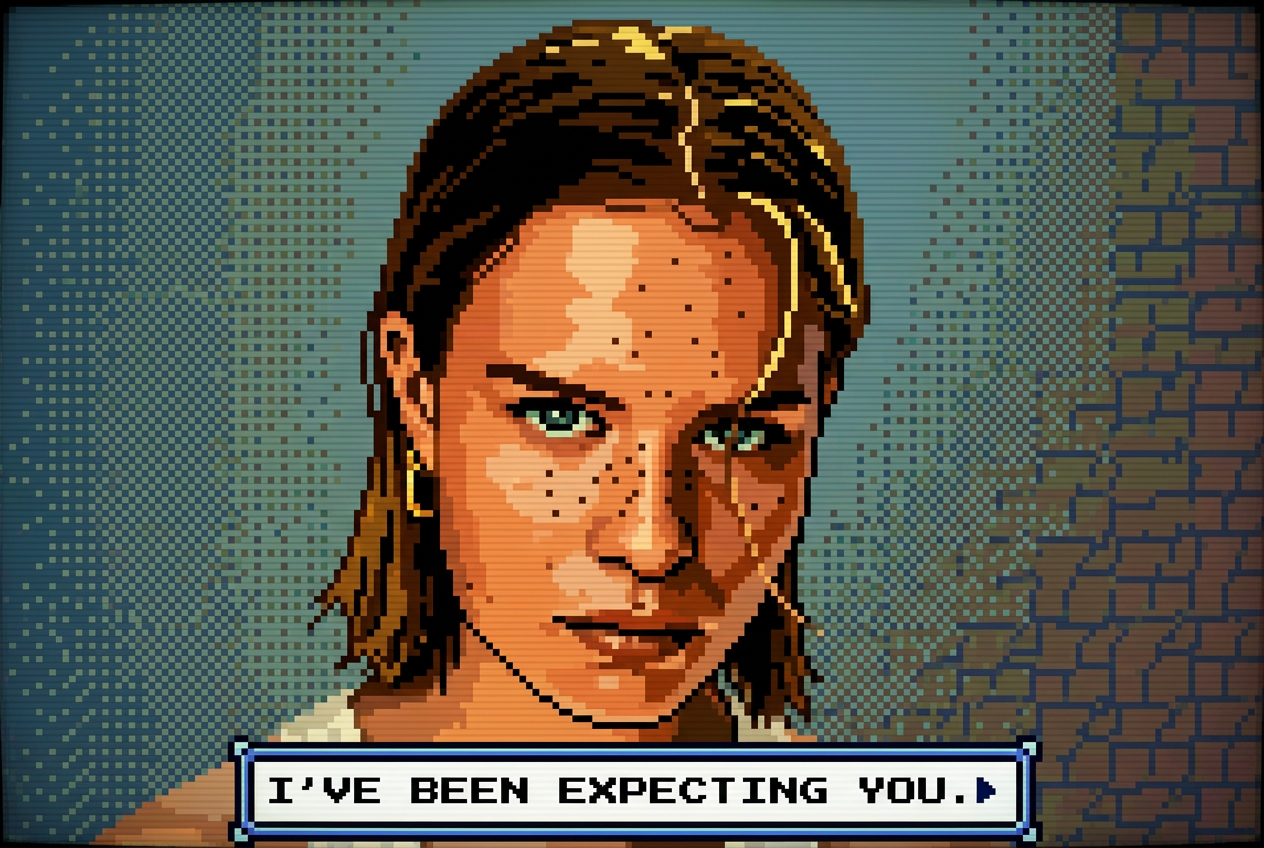
Convert any photo into retro 8-bit pixel art with an authentic NES game color palette.
- No credit card required
- Results in under 10 seconds

or drag a photo here
100% private · stays in your browser
How It Works
Three simple steps - no technical knowledge needed.
Upload your photo
Drag and drop any photo (JPEG, PNG, WebP). Works on desktop and mobile.
Prompt pre-filled
The AI prompt is already set. Just upload and hit Generate.
Generate & Download
Results in under 10 seconds. Download your high-resolution image instantly, free.
EdMyPic vs other AI filters
Honest, feature-by-feature comparison - updated April 2026.
| EdMyPic★ | Snapchat | Picsart | Fotor | |
|---|---|---|---|---|
| Price | Free + $1.99 | Free* | $5–12/mo | Free* |
| Signup | Magic link | Required | Required | Required |
| Speed | ≤10 s | Instant | 30 s+ | 20 s+ |
| Quality | HD | In-app only | HD | HD |
| Where it works | Web + Mobile | App only | Web | Web |
| Your photos | Not stored | May train | May train | May train |
- Price
- Free + $1.99
- Signup
- Magic link
- Speed
- ≤10 s
- Quality
- HD
- Where it works
- Web + Mobile
- Your photos
- Not stored
- Price
- Free*
- Signup
- Required
- Speed
- Instant
- Quality
- In-app only
- Where it works
- App only
- Your photos
- May train
- Price
- $5–12/mo
- Signup
- Required
- Speed
- 30 s+
- Quality
- HD
- Where it works
- Web
- Your photos
- May train
- Price
- Free*
- Signup
- Required
- Speed
- 20 s+
- Quality
- HD
- Where it works
- Web
- Your photos
- May train
Pricing reflects public plans as of April 2026. "Free*" means free with limits or in-app only. Comparison shown for Pixel Art 8-bit.
Frequently Asked Questions about Pixel Art 8-bit
What resolution should my photo be for the best Pixel Art result?
EdMyPic recommends uploading photos of at least 512×512 pixels for the Pixel Art 8-bit filter. The AI downscales and re-renders the image with authentic NES-style limited colors and pixelated squares.
Can I use the Pixel Art filter on landscapes, not just portraits?
Absolutely. EdMyPic's Pixel Art 8-bit tool works on any image type - portraits, pets, landscapes, or objects - and converts them all into retro NES game-style pixel art.
How many colors does the 8-bit filter use?
EdMyPic's Pixel Art filter emulates the authentic NES palette of 54 colors, giving your image that genuine retro feel rather than a modern high-color approximation.
Can I use my Pixel Art result as a game avatar or NFT?
Yes - the Pixel Art output from EdMyPic is a high-quality PNG with a transparent-ready white background, suitable for use as a game avatar, Discord profile picture, or digital collectible.
Does EdMyPic keep the pixel art style consistent across multiple images?
EdMyPic applies the same consistent 8-bit NES aesthetic to every image you process. If you want a custom look, edit the default prompt text before generating to specify a different retro console style.
Related Style Tools
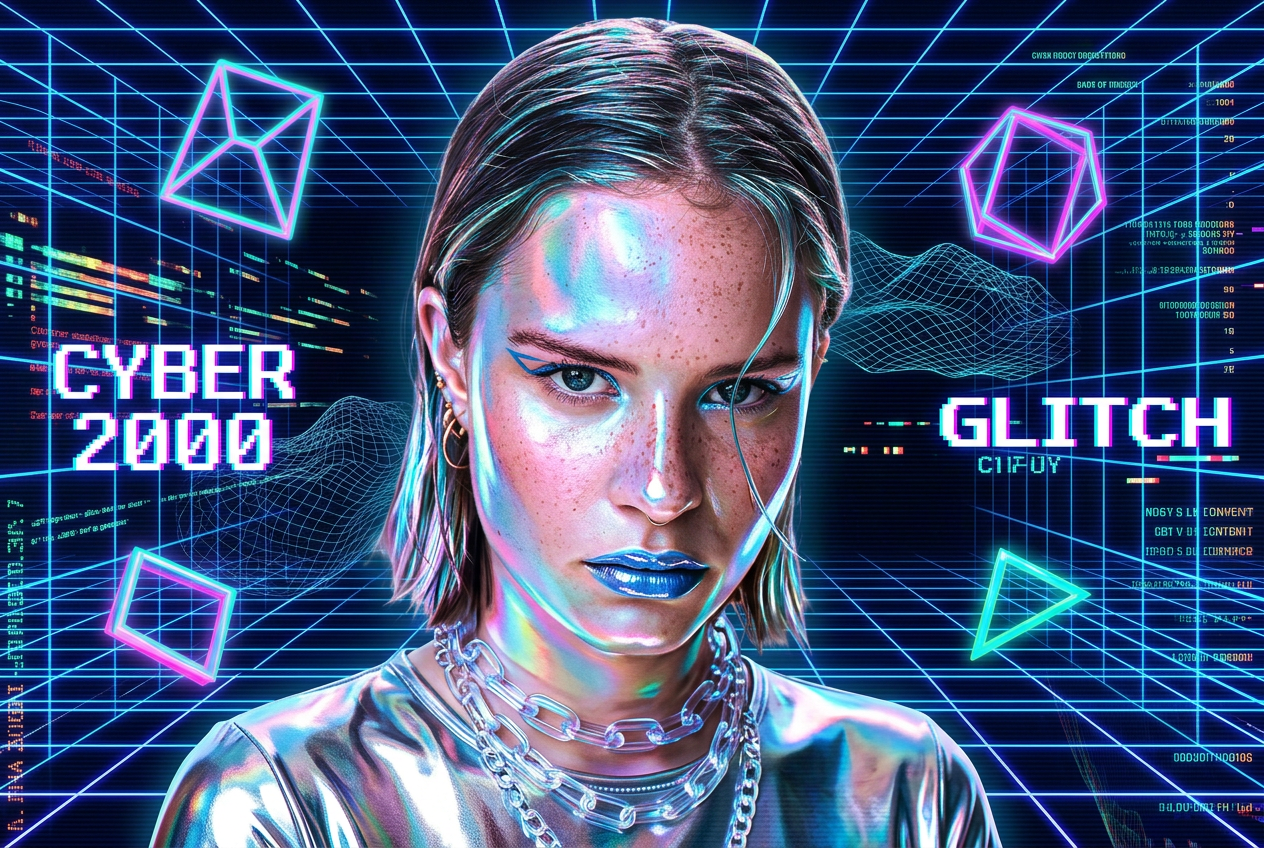
Y2K Style
Recreate the iconic Y2K aesthetic with holographic chrome textures and early-2000s cyber-pop glamour.

1990s Film Photo
Give your digital photos an authentic 1990s analog film look with grain, flash, and warm nostalgic tones.
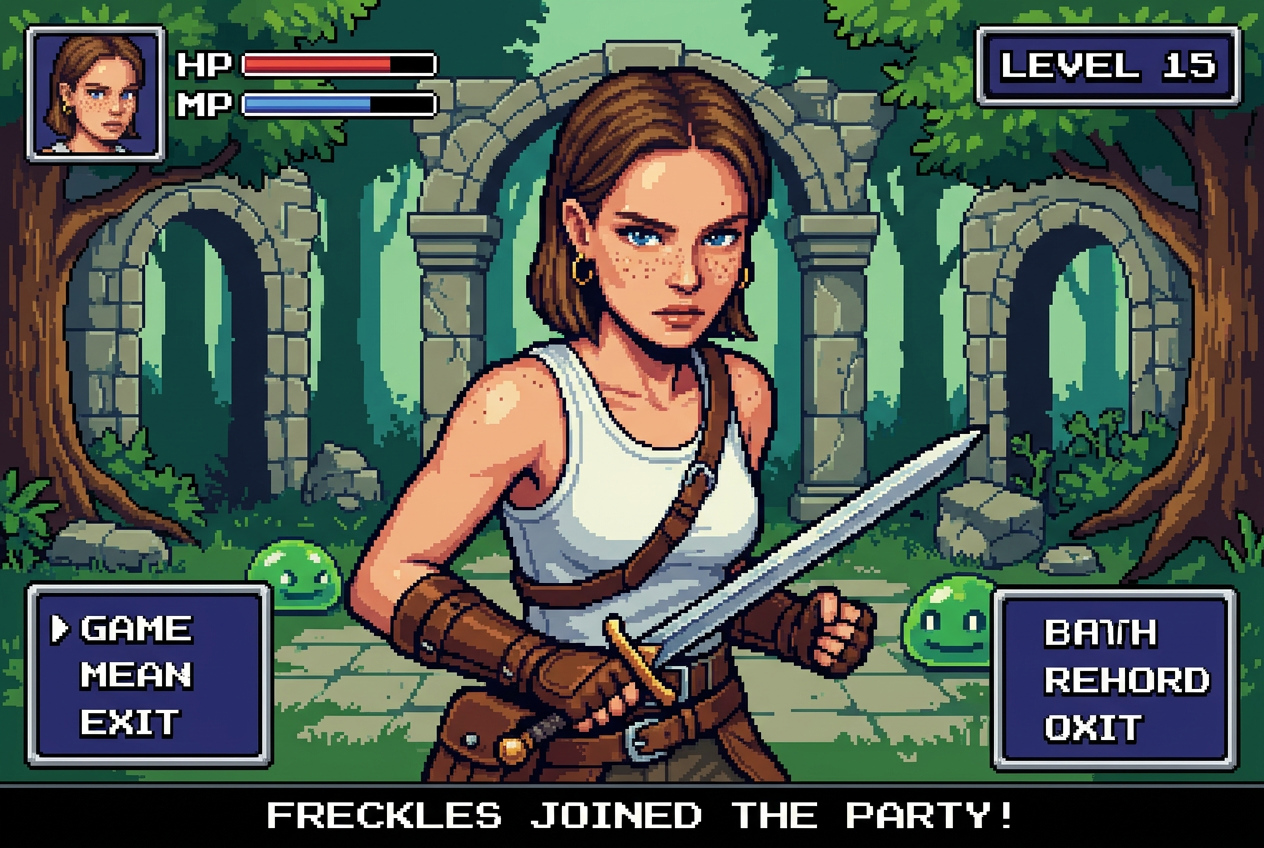
16-bit Video Game Character
Become a retro SNES RPG character with authentic 16-bit pixel art sprite styling and game backgrounds.
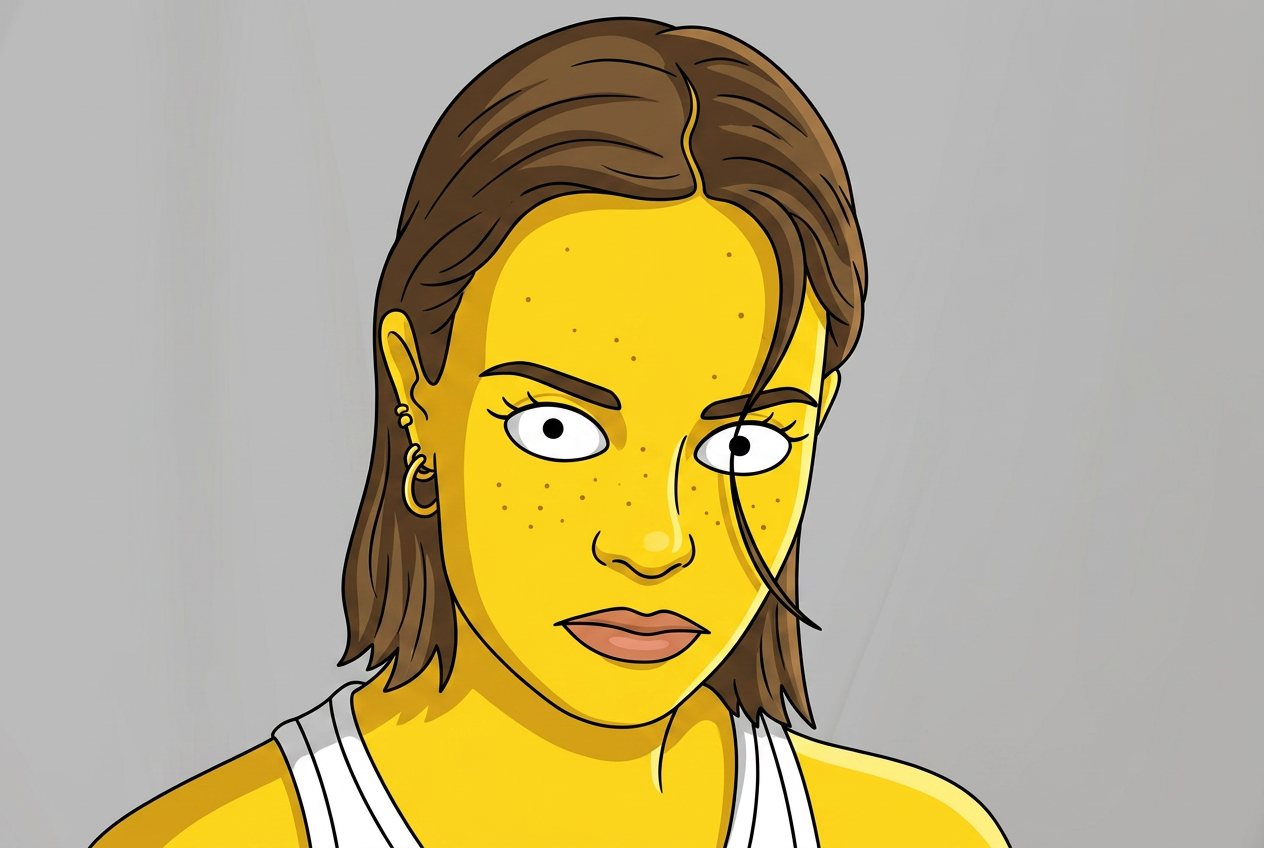
Simpsons Style
Turn any portrait into a hilarious Simpsons cartoon character with yellow skin and Springfield charm.
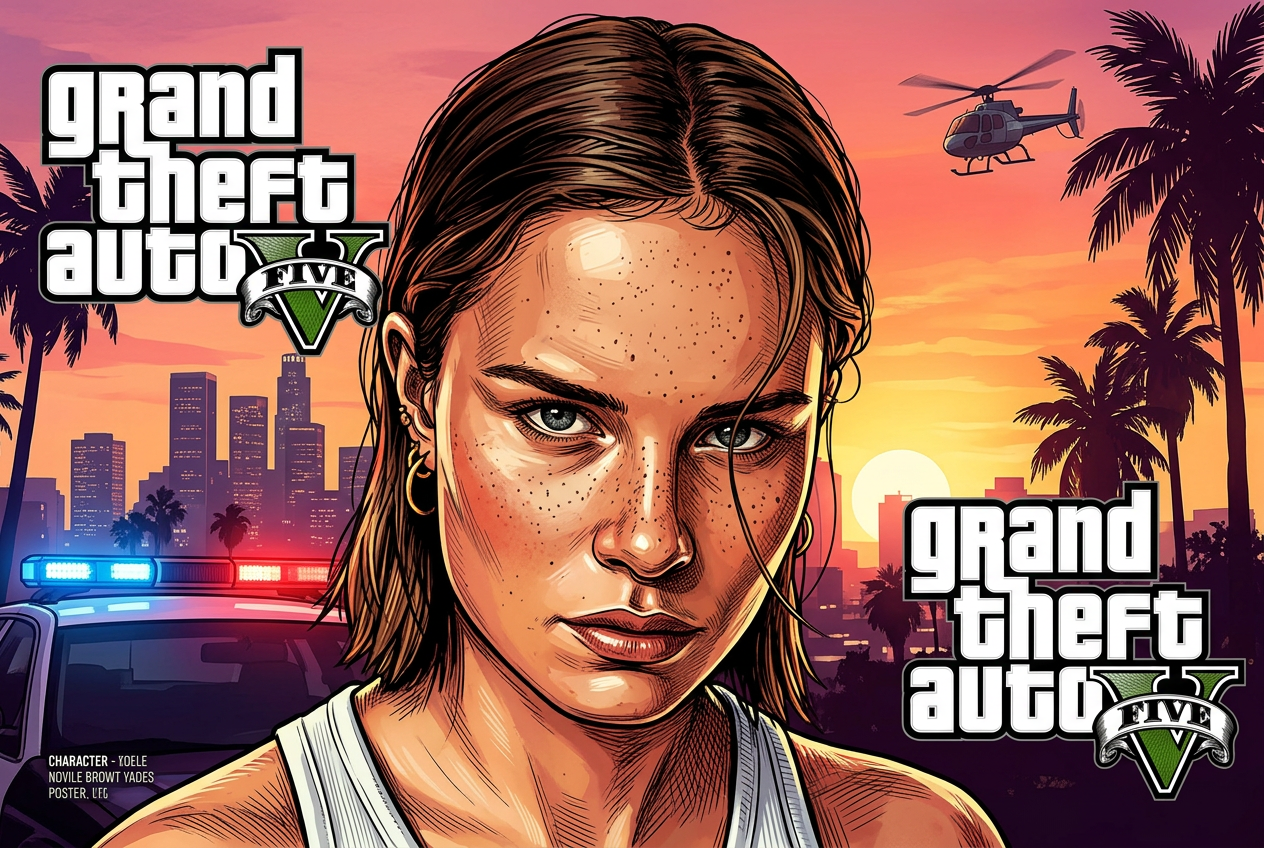
GTA Style Filter
Recreate yourself as a GTA V loading screen character with bold outlines and cinematic poster art.

Anime Style
Transform your photo into a vibrant anime illustration with big expressive eyes and Studio Ghibli aesthetics.
Ready to try Pixel Art 8-bit?
It's free. No credit card, no sign-up required. Results in under 10 seconds.
Try Pixel Art 8-bit Free