Engraving Portrait
Transform your portrait into a classic fine-art engraving with dense crosshatching and banknote illustration style.
- No credit card required
- Results in under 10 seconds
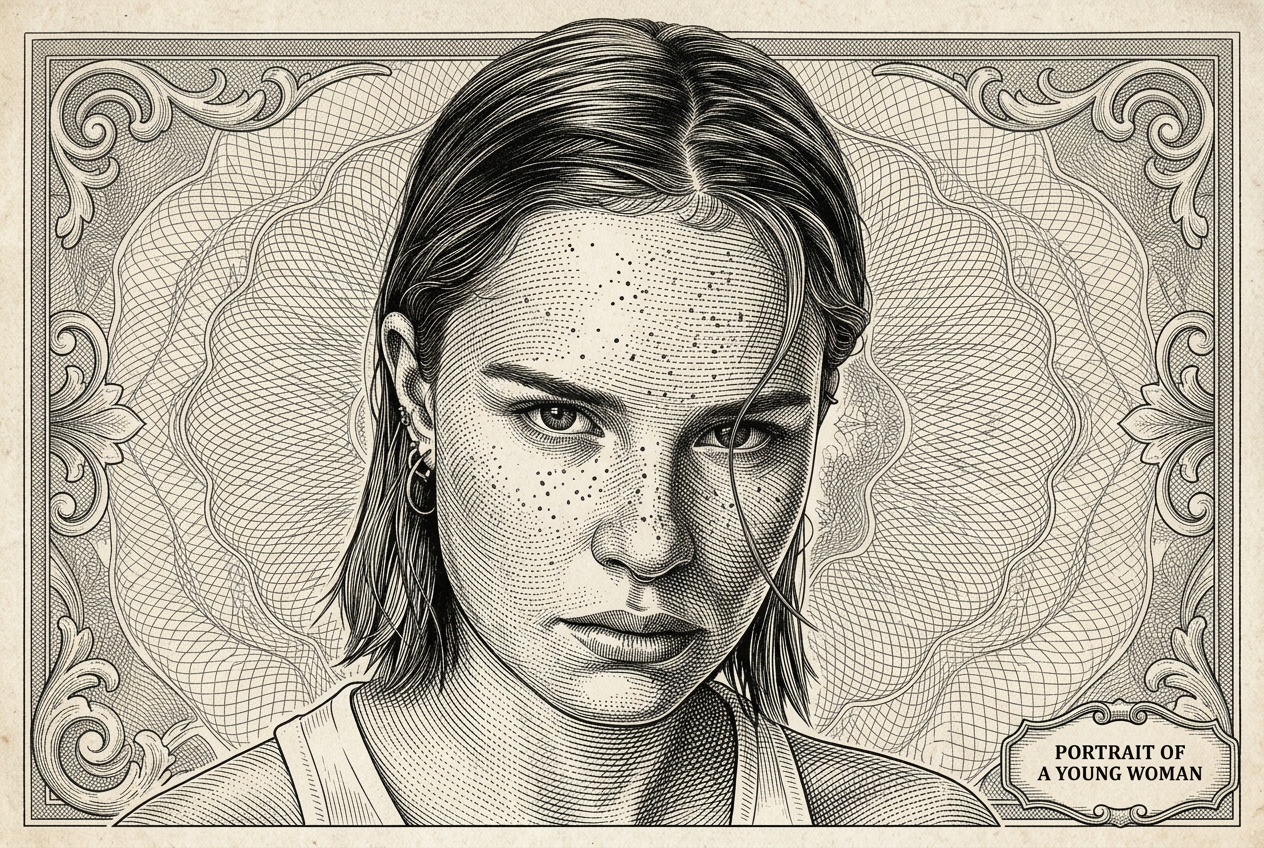
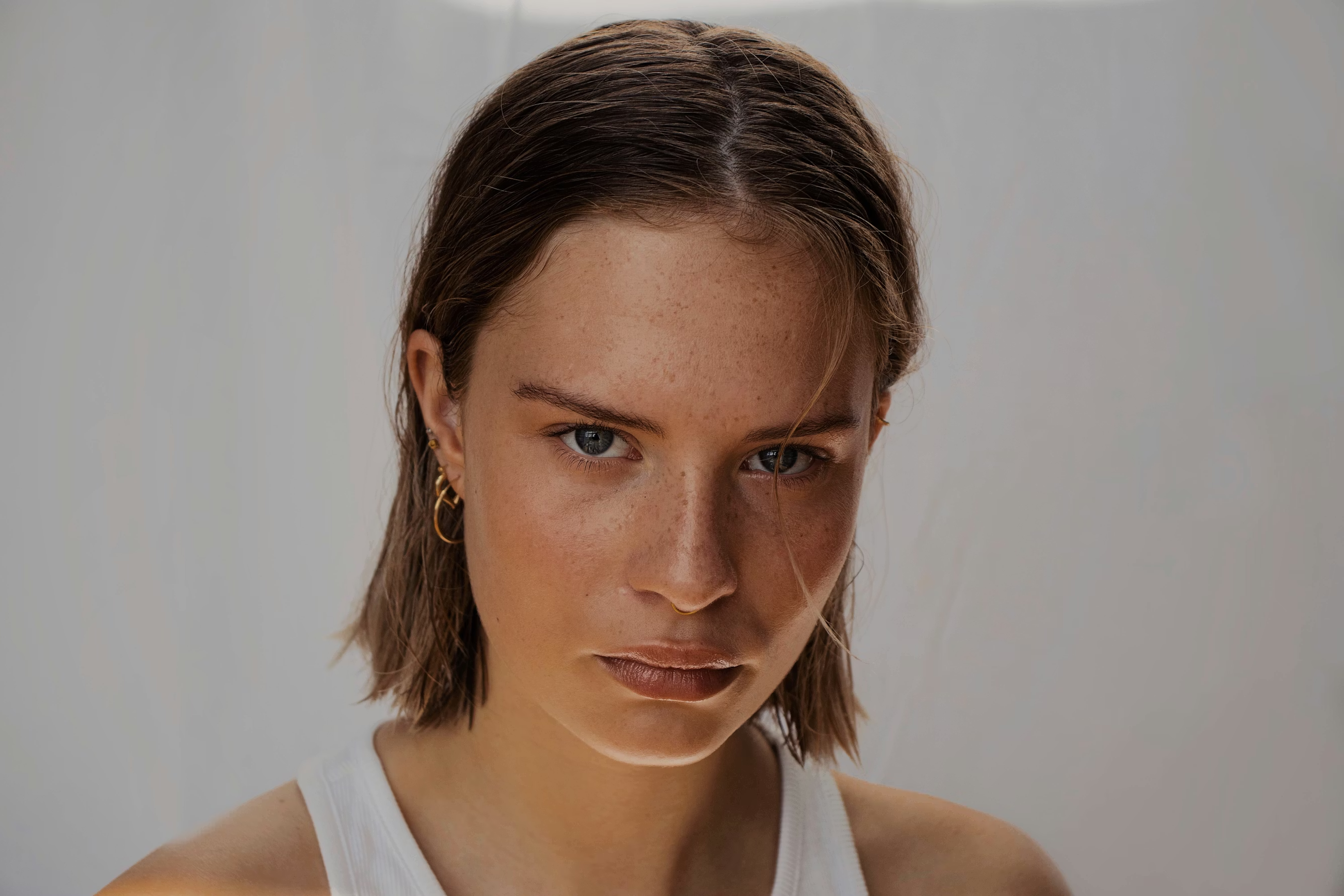
or drag a photo here
100% private · stays in your browser
How It Works
Three simple steps - no technical knowledge needed.
Upload your photo
Drag and drop any photo (JPEG, PNG, WebP). Works on desktop and mobile.
Prompt pre-filled
The AI prompt is already set. Just upload and hit Generate.
Generate & Download
Results in under 10 seconds. Download your high-resolution image instantly, free.
EdMyPic vs other AI filters
Honest, feature-by-feature comparison - updated April 2026.
| EdMyPic★ | Snapchat | Picsart | Fotor | |
|---|---|---|---|---|
| Price | Free + $1.99 | Free* | $5–12/mo | Free* |
| Signup | Magic link | Required | Required | Required |
| Speed | ≤10 s | Instant | 30 s+ | 20 s+ |
| Quality | HD | In-app only | HD | HD |
| Where it works | Web + Mobile | App only | Web | Web |
| Your photos | Not stored | May train | May train | May train |
- Price
- Free + $1.99
- Signup
- Magic link
- Speed
- ≤10 s
- Quality
- HD
- Where it works
- Web + Mobile
- Your photos
- Not stored
- Price
- Free*
- Signup
- Required
- Speed
- Instant
- Quality
- In-app only
- Where it works
- App only
- Your photos
- May train
- Price
- $5–12/mo
- Signup
- Required
- Speed
- 30 s+
- Quality
- HD
- Where it works
- Web
- Your photos
- May train
- Price
- Free*
- Signup
- Required
- Speed
- 20 s+
- Quality
- HD
- Where it works
- Web
- Your photos
- May train
Pricing reflects public plans as of April 2026. "Free*" means free with limits or in-app only. Comparison shown for Engraving Portrait.
Frequently Asked Questions about Engraving Portrait
What type of portrait works best for the Engraving filter on EdMyPic?
Strong contrast portraits - ideally with defined facial features and clear shadows - produce the most dramatic crosshatch engraving results on EdMyPic. Avoid low-contrast or heavily shadowed photos.
Does EdMyPic's Engraving Portrait look like a real hand-engraved print?
EdMyPic's AI simulates the density and direction of real intaglio engraving lines with high accuracy - including the variable line weight technique used by engravers on historical currency and formal portraits.
Can I use the Engraving Portrait for a logo or badge design?
Yes - EdMyPic's Engraving Portrait output works beautifully for heraldic logos, wax seal designs, official-looking badges, and letterhead illustrations. The black-and-white format is especially versatile.
How long does an Engraving Portrait generation take on EdMyPic?
EdMyPic generates Engraving Portrait results in approximately 8–12 seconds. The AI constructs the crosshatch line density map for each tonal zone of your portrait individually.
Can I request a specific historical engraving style on EdMyPic?
Yes - edit the EdMyPic prompt to reference a specific era, such as "18th century copperplate engraving style" or "Victorian stipple engraving portrait". The AI will adjust the line technique accordingly.
Related Style Tools
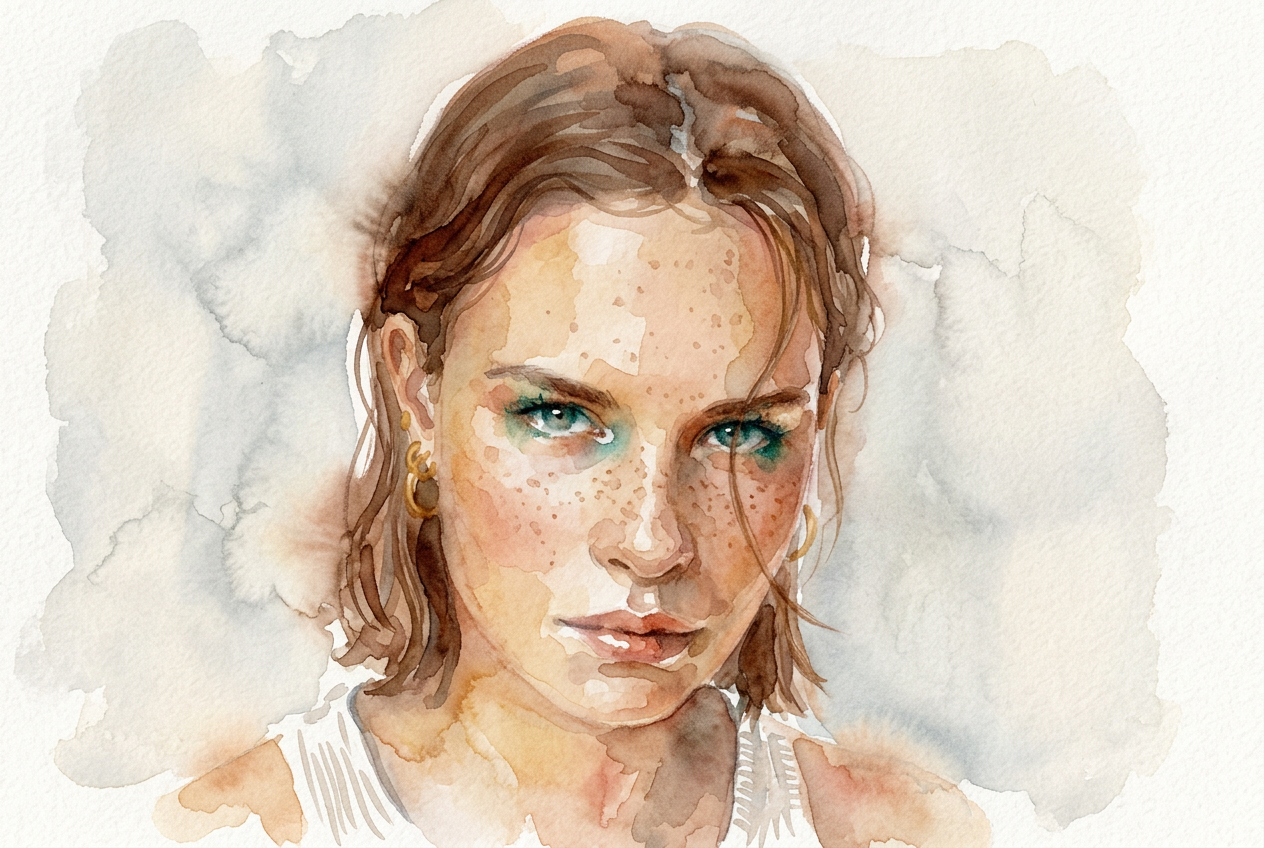
Watercolor Painting
Turn your photo into a beautiful watercolor painting with soft brushstrokes and artistic paper texture.
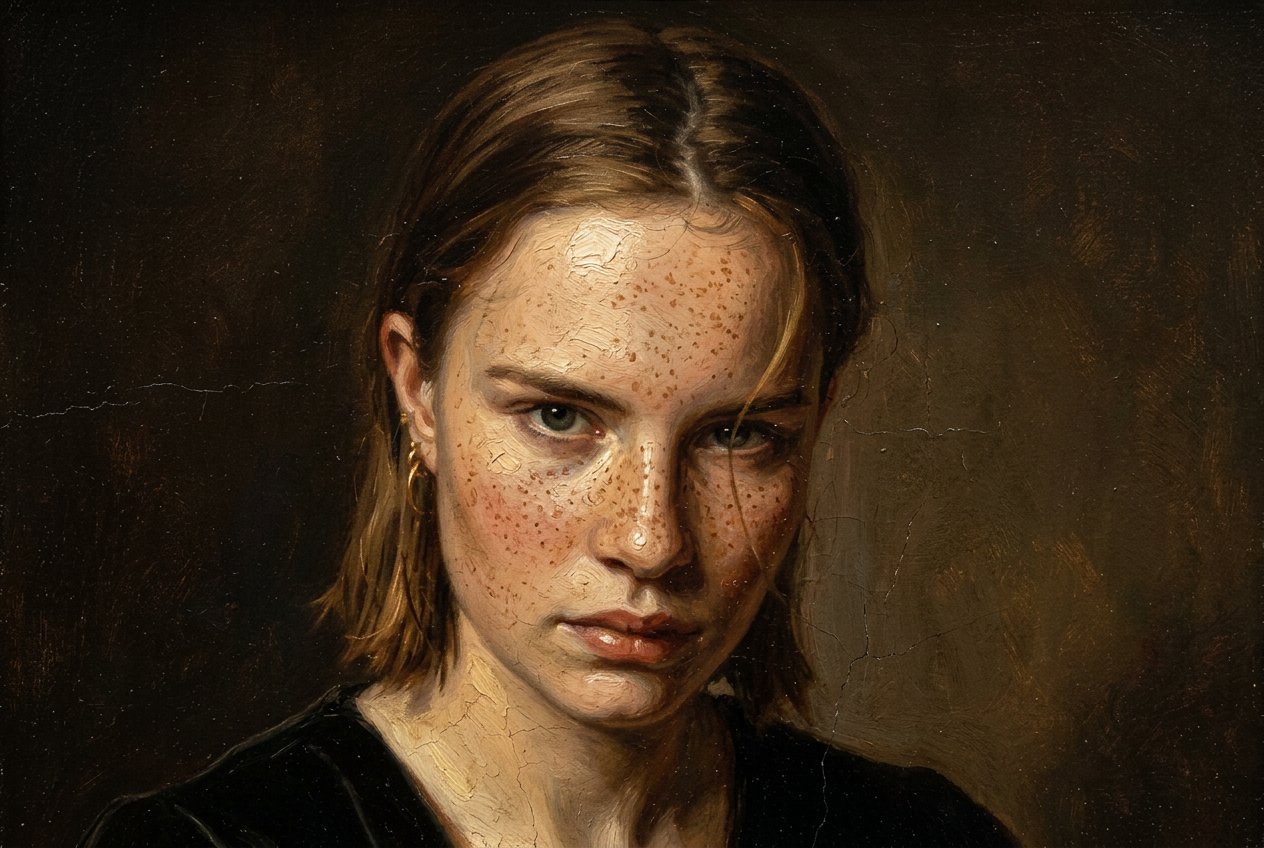
Oil Painting
Transform your photo into a timeless classical oil painting with rich impasto brushstrokes and Renaissance quality.
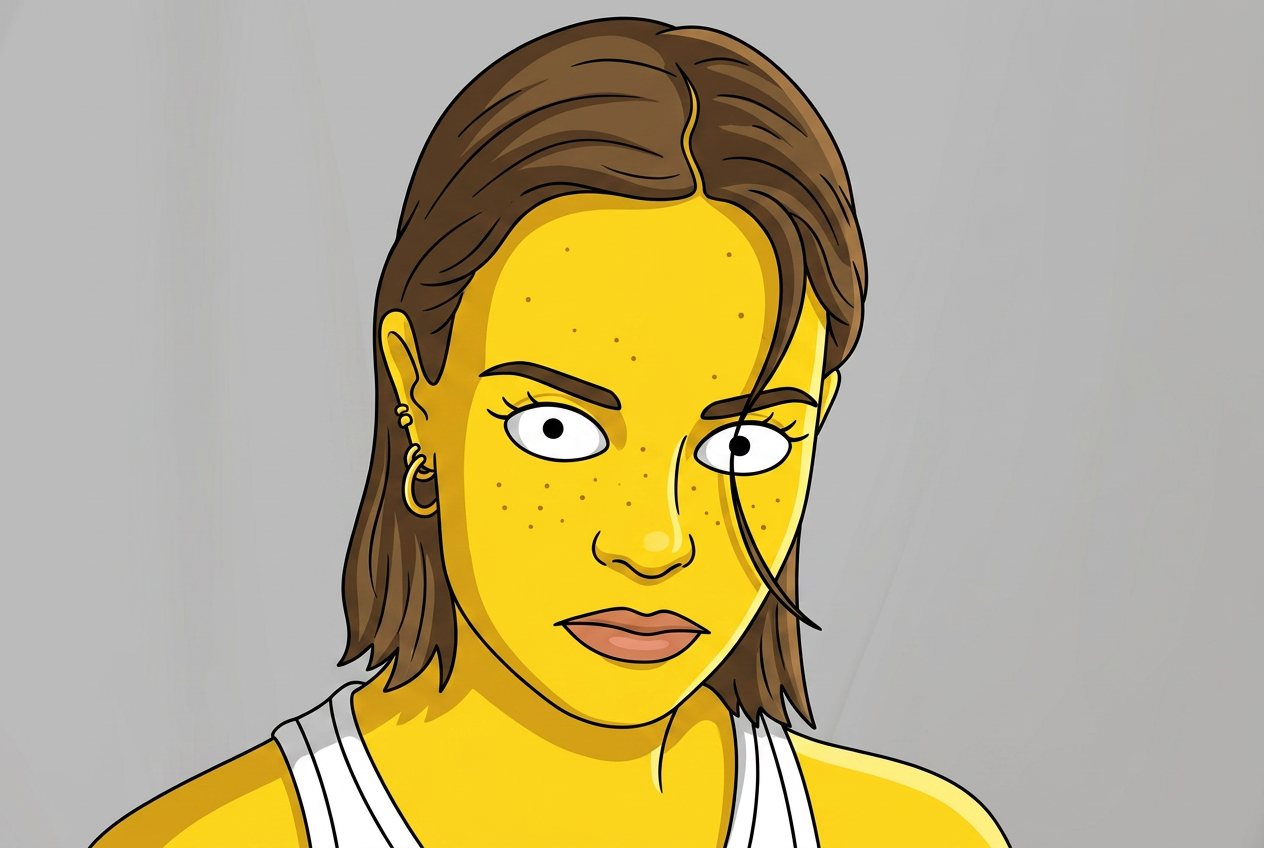
Simpsons Style
Turn any portrait into a hilarious Simpsons cartoon character with yellow skin and Springfield charm.
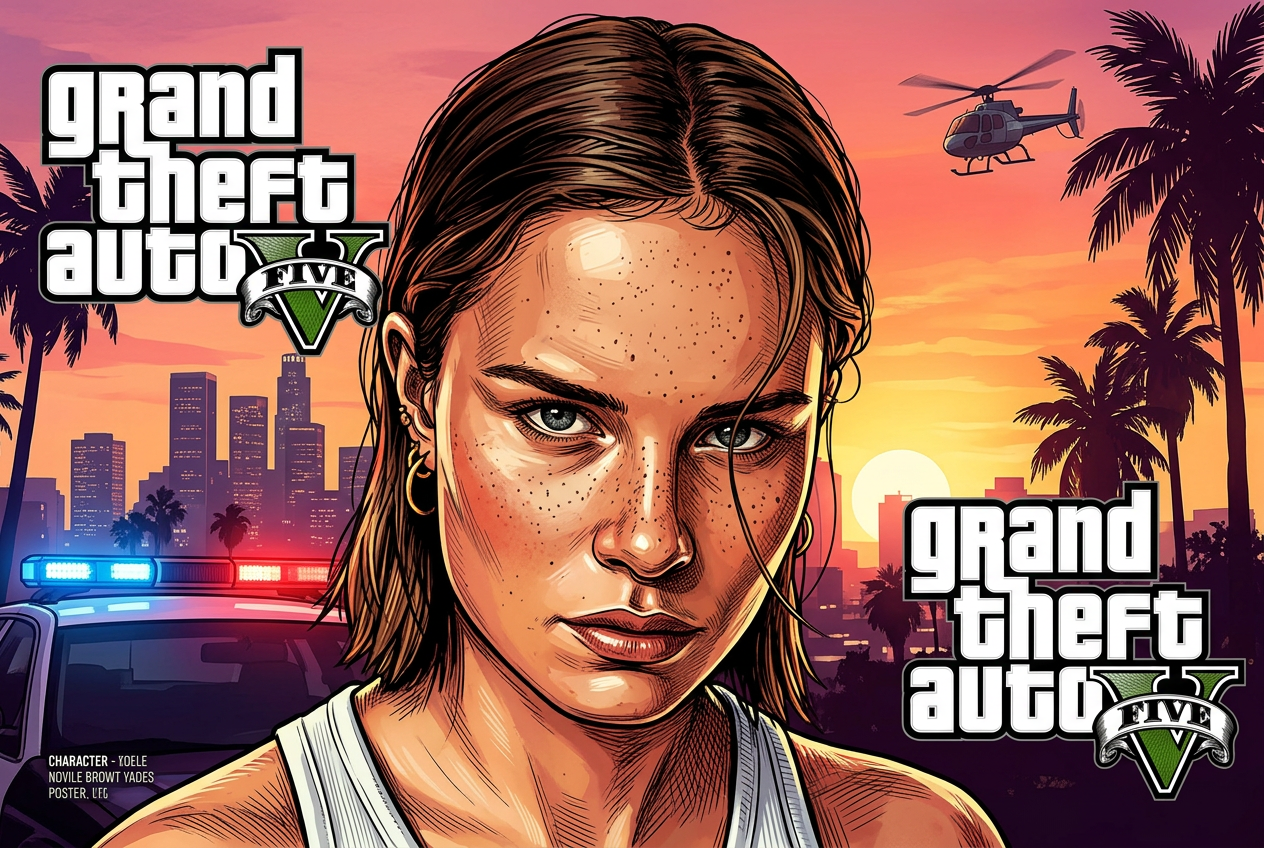
GTA Style Filter
Recreate yourself as a GTA V loading screen character with bold outlines and cinematic poster art.
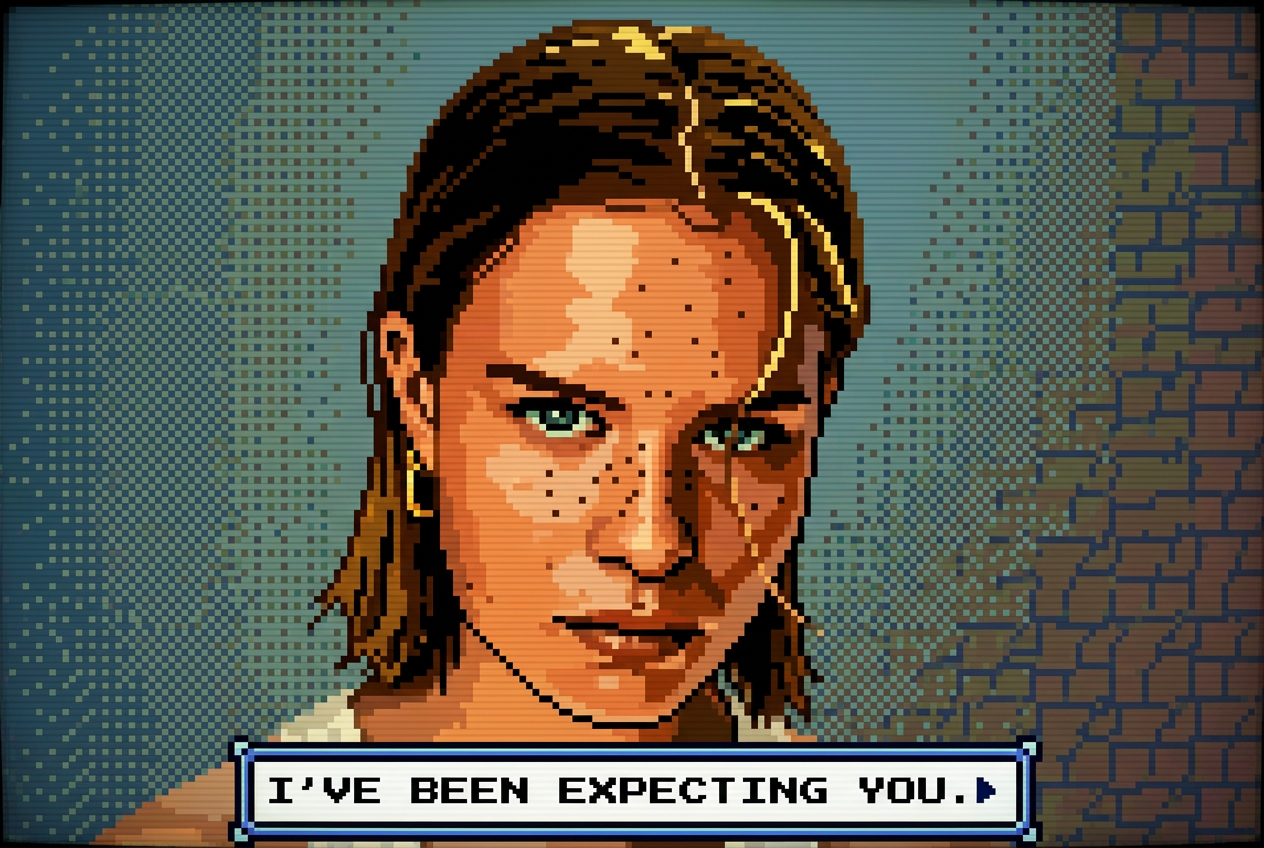
Pixel Art 8-bit
Convert any photo into retro 8-bit pixel art with an authentic NES game color palette.

Anime Style
Transform your photo into a vibrant anime illustration with big expressive eyes and Studio Ghibli aesthetics.
Ready to try Engraving Portrait?
It's free. No credit card, no sign-up required. Results in under 10 seconds.
Try Engraving Portrait Free